How-To Guide · October 23, 2026
How to Audit a Local Business Website Before You Pitch
Run a quick 15-minute audit (uptime, PageSpeed, accessibility, and a customer test) and turn the top three findings into a pitch owners actually read.
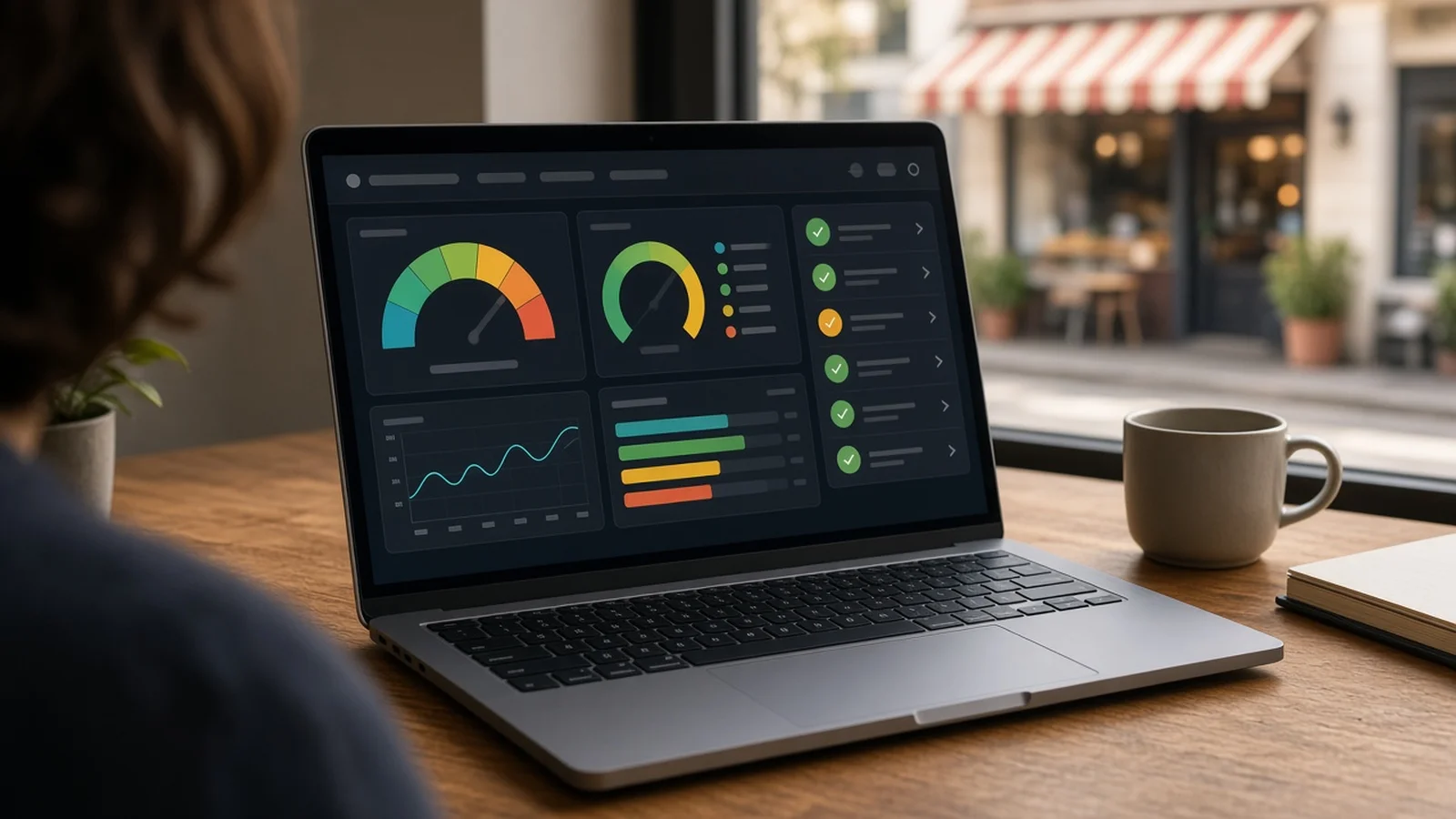
A website audit is the fastest way to turn a cold pitch into a useful conversation. Instead of telling a business owner "you need a new site," you show them exactly what's slowing it down, what's hard to use, and what's broken. This guide walks you through a simple audit you can run in about 15 minutes per business, and how to turn the results into a pitch.
Why audit before you pitch?
Most local business owners don't look at their own website very often. They may not know it loads slowly on phones, fails basic accessibility checks, or shows an error page. An audit gives you:
- Specific talking points instead of a generic sales line.
- A way to qualify leads, so you spend time on businesses with real problems.
- Credibility, because you're bringing information, not just asking for money.
How to audit a local business website: 6 steps
1. Check that the site actually loads
Open the site on your phone and on a desktop browser. Note anything that stops a customer cold: an error page, an expired domain, a security warning, or a "coming soon" page that never went live. A site that's down is the strongest reason to reach out. If you want to find more of these, see our guide on how to find local businesses with broken or down websites.
2. Run a PageSpeed Insights test
Paste the URL into Google's free PageSpeed Insights tool and look at the mobile results first, since most local searches happen on phones. Write down:
- The Performance score (0–100).
- Largest Contentful Paint (LCP). Google treats 2.5 seconds or less as good.
- Cumulative Layout Shift (CLS). Google treats 0.1 or less as good.
- The top two or three "Opportunities," such as oversized images.
3. Check basic accessibility
PageSpeed Insights also gives an Accessibility score based on automated checks. Look for common issues tied to the WCAG guidelines:
- Images with no alt text.
- Low color contrast (WCAG asks for at least 4.5:1 for normal text).
- Buttons or links without clear labels.
- Text that's too small to read on a phone.
Keep it factual. You're pointing out things that make the site harder for some customers to use, not giving legal advice.
4. Do a quick "customer test"
Pretend you're a customer and try to do the one thing they'd come for: call, book, get directions, or see a menu or price list. Note:
- Is the phone number tappable on mobile?
- Are hours and address easy to find, and do they match the Google Maps listing?
- Is there a clear next step (call, book, request a quote)?
- Does the copyright year or content look years out of date?
5. Score and prioritize
Put your notes into a simple score so you can compare businesses. Rank the problems from most to least costly for the owner. A down site or broken contact info comes first. Slow mobile speed and accessibility gaps come next. Design style comes last, because it's the most subjective.
If you're auditing a lot of businesses, this is where a tool helps. Locasly finds local businesses on Google Maps and rates their current websites with a 0–100 score that factors in PageSpeed, WCAG accessibility checks, and website status, and it flags businesses whose sites are down. That lets you sort a whole list by who needs help most.
6. Turn the audit into a short pitch
Owners don't want a 20-page report. Pick the top three findings and explain each in plain words with what it means for their customers. For example: "Your site takes a while to load on phones, so some visitors may leave before they see your number." Then show the fix. A mockup of an improved site makes the difference easy to see. Locasly can generate a template website mockup and outreach scripts so you can send the audit and the mockup together.
Once they're interested, have a price ready. Our guide on how much to charge for a small business website covers how to set it.
Audit checklist
- Site loads on mobile and desktop with no errors or warnings.
- Mobile PageSpeed Performance score, LCP, and CLS recorded.
- Accessibility score and top issues noted.
- Phone, hours, and address are easy to find and correct.
- Clear call to action on the homepage.
- Top three problems written in plain language.
FAQ
Is it okay to audit a business's website without asking?
Yes. You're only looking at public pages and running free public tools, the same way any visitor or search engine would. Don't try to log in to anything or test forms in a way that spams the owner.
Should I send the full audit before they reply?
Usually no. Lead with one or two clear findings and offer the rest. A short message is more likely to get read than a long report.
What if the site scores well?
Move on, or note it for later. A business with a fast, working, accessible site is a weaker lead for a rebuild, though they might still want help with something else, like monthly updates.
Do PageSpeed scores change between tests?
Yes, a little. Scores can vary from run to run, so treat them as a general picture and focus on the biggest, most consistent problems.
Steps at a glance
- Check that the site actually loads
Open the site on mobile and desktop and note errors, expired domains, security warnings, or unfinished pages.
- Run a PageSpeed Insights test
Test the URL in PageSpeed Insights, starting with mobile, and record the Performance score, LCP, CLS, and top opportunities.
- Check basic accessibility
Note the Accessibility score and common WCAG issues like missing alt text, low contrast, unlabeled buttons, and tiny text.
- Do a quick customer test
Try to call, book, or find hours and address on mobile, and check the info matches the Google Maps listing.
- Score and prioritize
Rank problems from most to least costly: down site or broken contact info first, then speed and accessibility, then design.
- Turn the audit into a short pitch
Explain the top three findings in plain words and pair them with a mockup of an improved site.