How-To Guide · October 28, 2026
How to Make an AI-Generated Website Not Look Generic
A short guide to prompting AI website builders like v0, Lovable, Bolt, and ChatGPT so a local business site looks custom instead of templated, with tips from Reddit.
TL;DR
- To make an AI-generated website not look generic, make the design decisions yourself before you prompt (colors, fonts, layout, references) and give the AI builder real business content instead of letting it invent both.
- Attach a screenshot of a site you like and ask it to copy the structure, not the style.
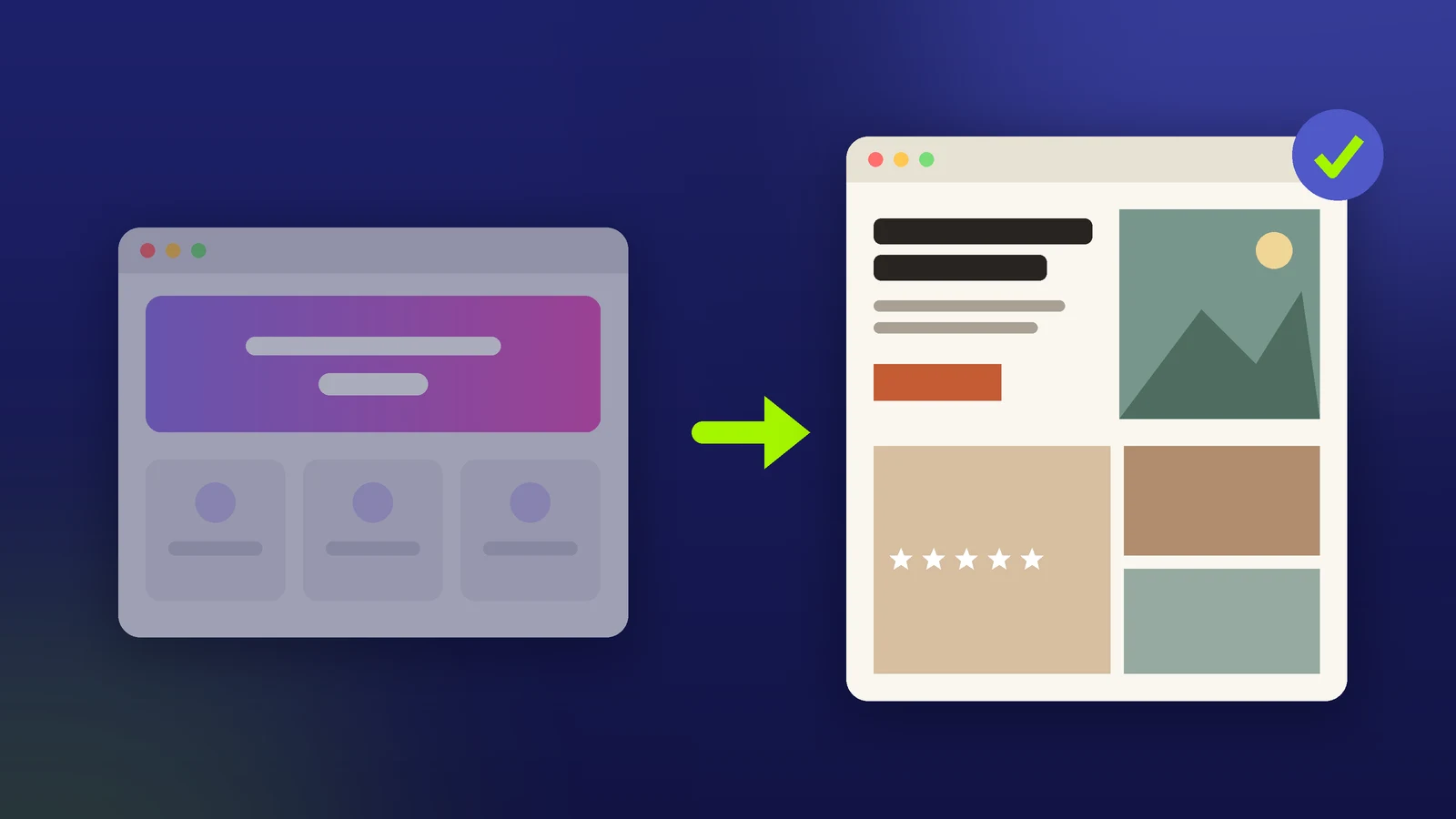
- Tell it what to avoid: purple gradients, glassmorphism, three equal feature cards, everything centered.
- Build one section at a time, then fix spacing and copy by hand.
AI builders like v0, Lovable, Bolt, and ChatGPT default to the same safe look: a gradient hero, a centered headline, three identical cards. For a local business pitch, that look reads as "template" in two seconds. Here's how to get a site that looks made for that business.
Why do AI-generated websites all look the same?
Because the prompt leaves every design choice open, so the model falls back on the most common patterns it has seen. "Make a website for a bakery" gets you the average bakery website. The fix is fewer open choices, not a cleverer prompt.
How to make an AI-generated website not look generic
1. Make the design decisions before you prompt
Write down a short design spec: one or two brand colors (pull them from the business's logo, sign, or storefront photos), a heading font and a body font, a corner radius, and the mood in a few words ("warm, family-run, a little old-school"). Paste it at the top of your first prompt so every section follows it.
2. Give it a reference screenshot
Find a real site you like (ideally from the same industry, in another city), screenshot the section you like, and attach it. Ask the AI to match the layout and spacing, not the colors or branding. A picture removes most of the guessing a text description leaves.
3. Say what not to do
Generic output comes from defaults, so ban them by name: no gradients, no glassmorphism or glow, no emoji icons, no three equal feature cards, no centered-everything layout, no stock "Welcome to our website" copy. A short "avoid" list changes the result more than adjectives like "modern" or "clean."
4. Feed it real business content
Real details make a site look specific: the business name, actual services and prices, hours, neighborhood, a couple of real review quotes, and the owner's own photos. In Locasly, the prospect panel shows the business details and Google rating, and the Prompt for any LLM builder card generates a copy-paste prompt for v0, Lovable, Bolt, or ChatGPT. Add your design spec and avoid list to that prompt before you paste it.
For the full structure of a first prompt, see how to write a prompt for an AI website builder.
5. Build section by section, then edit by hand
Don't ask for the whole site at once. Generate the hero, review it, then the services section, then reviews and contact. Fix what's off with short follow-up prompts (here's how), and finish the last details yourself: spacing, headline wording, and photo crops.
Example prompt
Design rules (follow exactly):
- Colors: cream background #FAF7F0, dark text #282420, one accent #C45C34
- Fonts: a serif for headings, a simple sans-serif for body text
- Corner radius 6px max. Real photos, no illustrations.
- Avoid: gradients, glassmorphism, glow, emoji icons, three equal
  feature cards, centered-everything layouts, generic slogans.

Reference: match the layout and spacing of the attached screenshot,
not its colors or branding.

Build only the hero section for Rosa's Bakery, a family bakery in
Merced, CA. Headline left, large storefront photo right, buttons
"Call to order" and "See the menu". Use this copy: [paste real copy].
What Reddit users reported
These are individual experiences, not benchmarks:
- In r/ClaudeCode, one user said what worked for them was screenshotting specific sites they liked as visual references and describing the feeling they wanted rather than the layout, and that once the AI has a concrete reference it stops defaulting to the generic template look (thread).
- In r/vibecoding, one user said the single biggest difference for them was writing a design file with actual design tokens, like exact hex colors, font sizes and weights, spacing, and what to never do (thread).
- In r/lovable, one commenter said what helped their team was being specific about structure and saying what to avoid, like three equal feature boxes or everything centered (thread).
FAQ
How do I stop AI from using purple gradients?
Name it in your prompt: "no gradients, no purple, no glow." Then give it your exact colors as hex codes so it has something else to use.
Can I just tell the AI to copy a website I like?
Use it as a reference for layout and spacing, not a copy. Swap in the business's own colors, photos, and words so the result is original.
What's the best prompt to make an AI website look professional?
One that includes a design spec, a reference screenshot, an avoid list, and real content, and asks for one section at a time.
Should I edit AI-generated website code by hand?
For small things, yes. Spacing, headline wording, and photo crops are often faster to fix yourself than to re-prompt.
Steps at a glance
- Make the design decisions before you prompt
Write a short spec with brand colors, fonts, corner radius, and mood, and paste it at the top of your first prompt.
- Give it a reference screenshot
Attach a screenshot of a site you like and ask the AI to match the layout and spacing, not the colors or branding.
- Say what not to do
Ban default patterns by name: gradients, glassmorphism, glow, emoji icons, three equal cards, centered-everything layouts.
- Feed it real business content
Use the real name, services, hours, reviews, and photos instead of letting the AI invent copy.
- Build section by section, then edit by hand
Generate one section at a time, fix issues with follow-up prompts, and finish spacing and copy yourself.